
The OS is also available to be virtualized on Apple platforms with M1/M2/M3(and its variants) CPUs. Specifically, Parrot can be used through the open source UTM software.
Why is UTM so popular with Parrot OS?
UTM is the preferred tool for Mac users (especially those with M1/M2/M3 chips) who want to virtualize Parrot OS.
Parrot OS offers a specific version (.utm) on its official website, optimized for this application.
If you're on a Mac, simply download the .utm file, open it with UTM, and the system will be pre-configured.
Once you download and install UTM, you will see this screen:
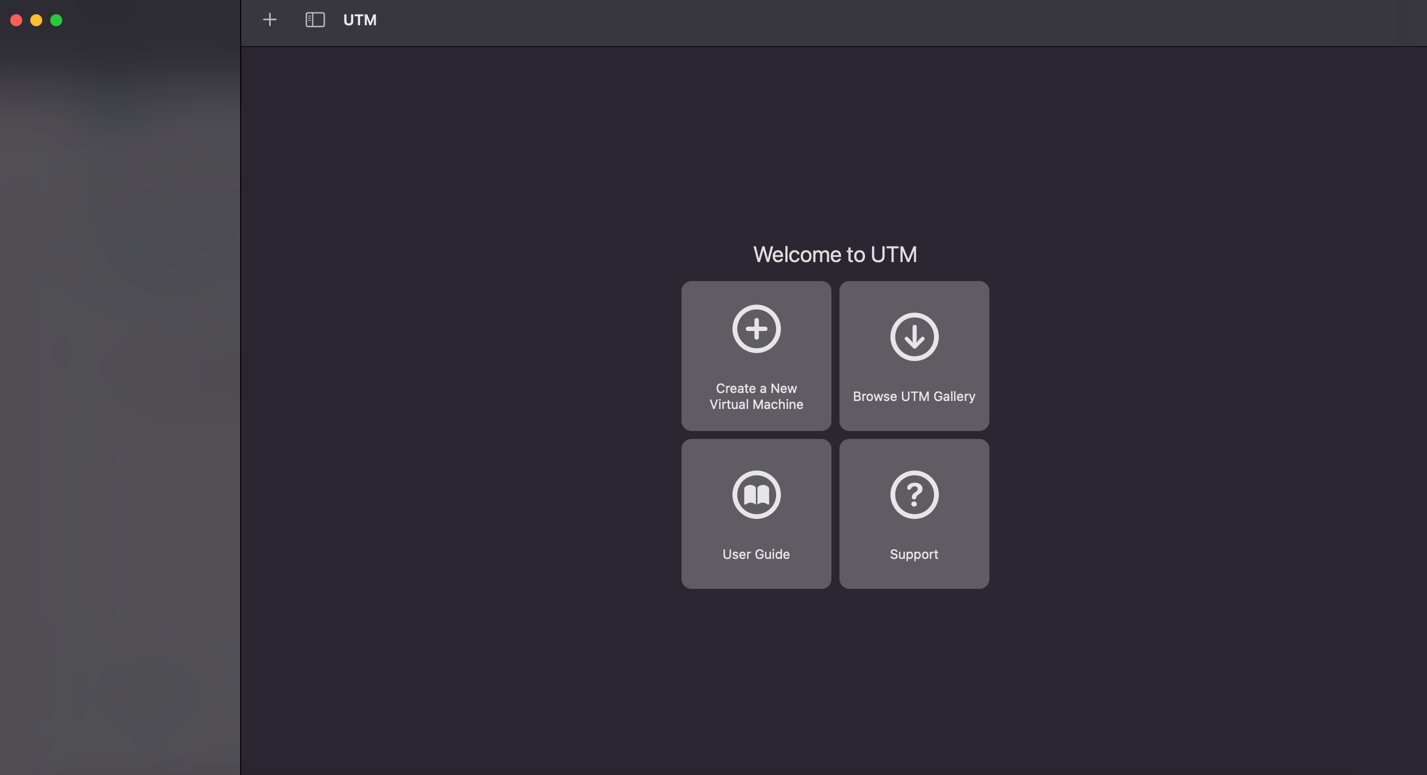
The format we provide to users has the .utm extension, so it is already compatible with UTM itself, which is why, once you download the file from our website, all you have to do is go to the folder where you downloaded Parrot and extract the .utm file.
How to Install the "UTM Equivalent" on Parrot/Linux.
Since UTM uses QEMU as its engine, you can install QEMU's professional graphical interface on Linux called virt-manager.
To install it on Parrot OS, open a terminal and run:
Bash
sudo apt update
sudo apt install virt-manager qemu-kvm libvirt-clients libvirt-daemon-system bridge-utils
Then, add your user to the libvirt group to manage virtual machines without requiring the root password each time:
Bash
sudo adduser $USER libvirt
sudo adduser $USER kvm
After correctly extracting the .utm file, simply drag and drop it inside UTM.
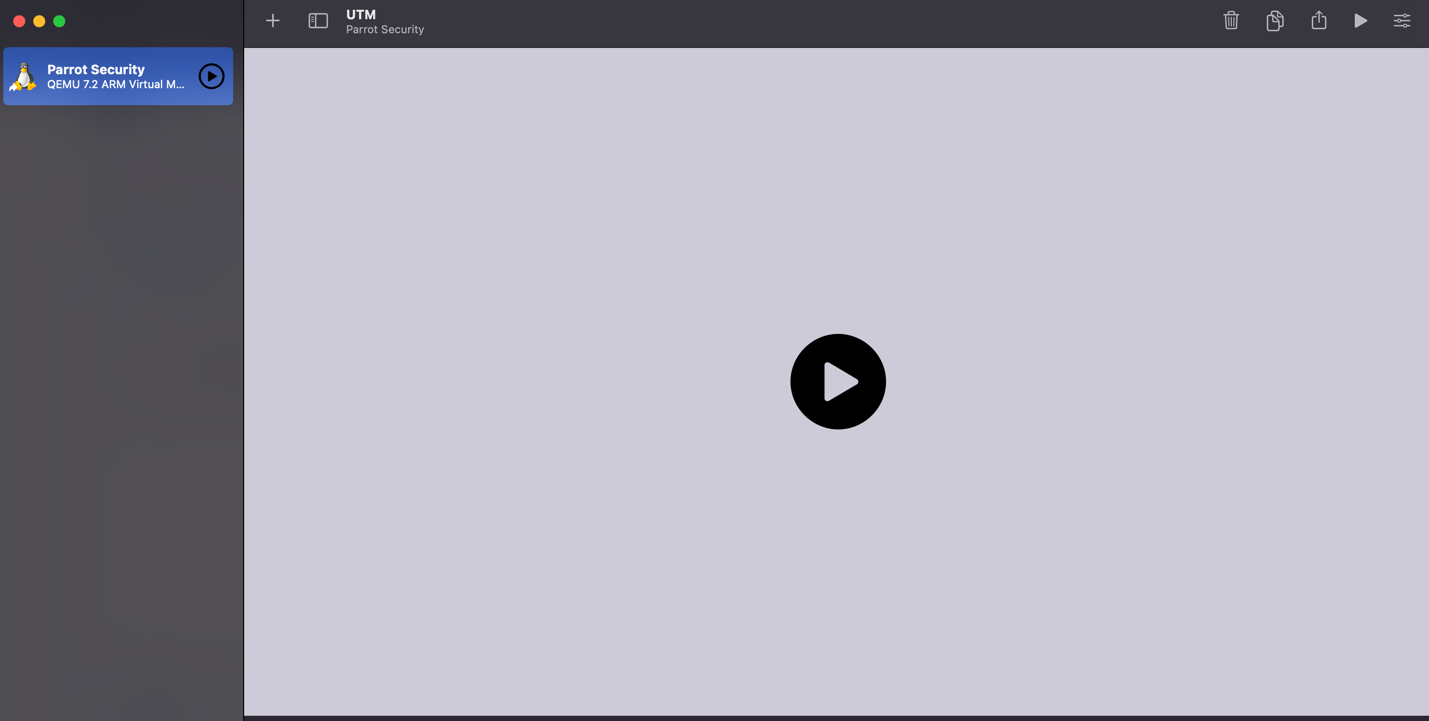
The OS will be immediately recognized and by clicking on the Play icon you can immediately use Parrot in your system with MacOS.



The best virtualization environment for Linux depends on your needs: KVM (with QEMU) is king for near-native performance and servers (integrated into the kernel), ideal for professionals and businesses; while VirtualBox is excellent for desktop users, beginners, and testing, being cross-platform and easy to use; and GNOME Boxes or Virt-Manager are user-friendly graphical interfaces for managing KVM/QEMU or libvirt.
ReplyDeleteThe best virtualization environment for Linux depends entirely on your experience level and how you intend to use it.
DeleteFor example, KVM is integrated directly into the Linux kernel, offering superior performance (level 1 or "bare metal") compared to external options.
Virt-Manager provides a graphical user interface (GUI), while GNOME Box offers a simpler experience.