
Parrot OS (formerly Parrot Security OS) is a Debian-based Linux distribution designed for penetration testing, digital forensics, reverse engineering, and privacy protection.
Parrot Security Guide: UBS Persistent Partition.
It comes preloaded with hundreds of security tools, a lightweight desktop environment, and strong anonymity features, making it a go-to system for cybersecurity professionals and enthusiasts
Persistent partition.
This guide shows how to create a persistent partition inside USB with ParrotOS. To do this we will use the mkusbtool.
Install mkusb.
After downloading the ParrotOS .iso file from our website, download mkusb from the repository.
git clone https://github.com/sudodus/tarballs.git
Navigate to the downloaded folder and unpack dus-plus.tar.xz with tar:
cd tarballs && tar -xf dus-plus.tar.xz
Note
Why only dus-plus.tar.xz instead of dus.tar.xz? In short, it contains the usb-pack-efi package needed to boot the partition.
Go inside the newly extracted dus-tplus folder, and install the tool by typing:
cd dus-tplus/ && sudo ./dus-installer i
In the same terminal session, type dus (or open guidus from Parrot's menu) and it will start:
Note
dus will ask to install the guidus GUI as well, the functionality will remain the same.
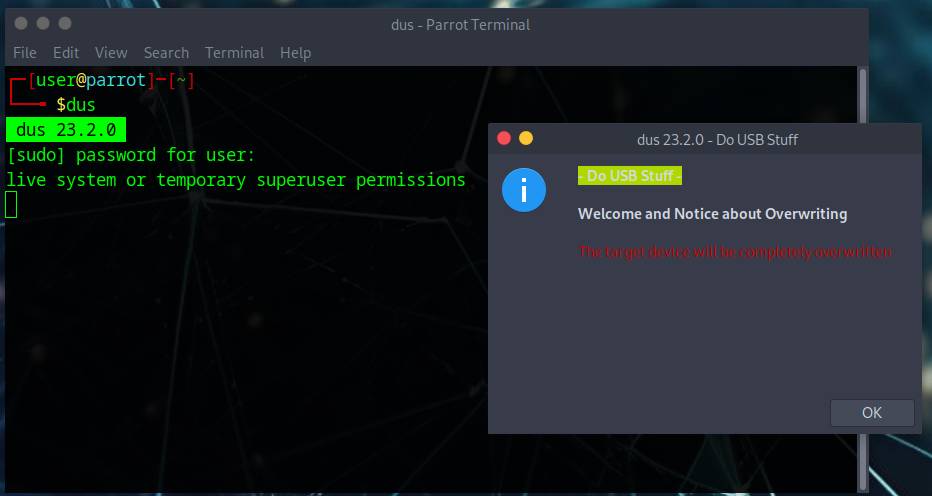
This tool can also be used to make a USB bootable, restore, format and other interesting things.

Create the persistent partition.
Select install (make a boot device). Then, Persistent-live option.
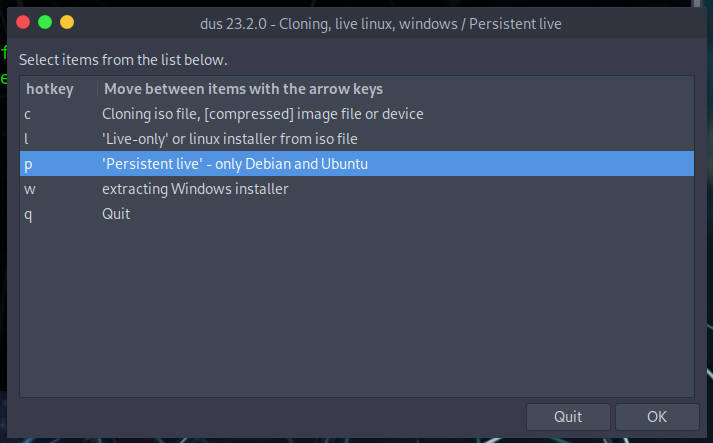
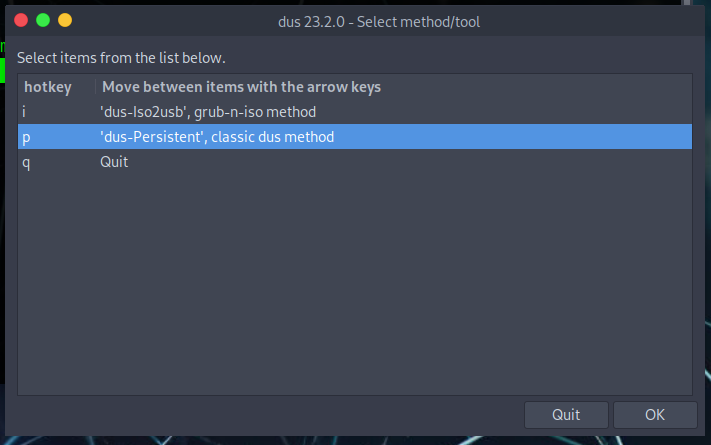
Select dus-Persistent from the menu to choose the method to create the persistent partition.
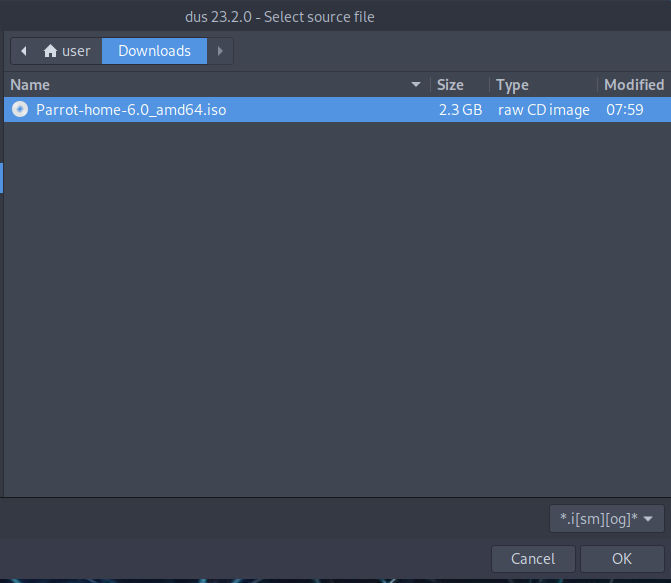
Now select the .iso to install:
Select the USB where you want to install Parrot (we recommend using at least a 4GB USB key).
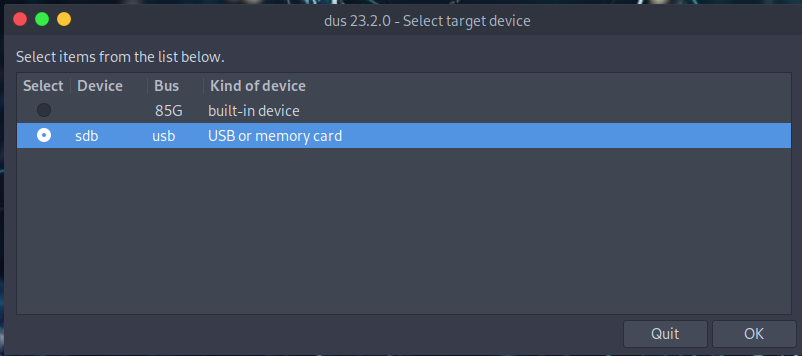
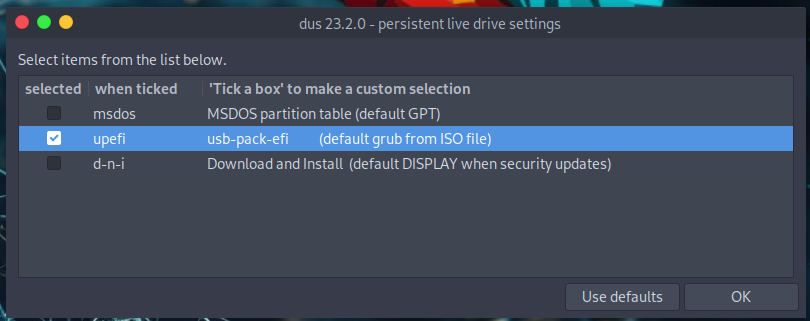
Select the upefi package and click ok.
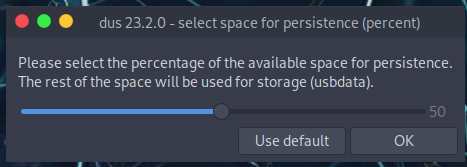
You can allocate as much space as you like for the persistent partition from this window:
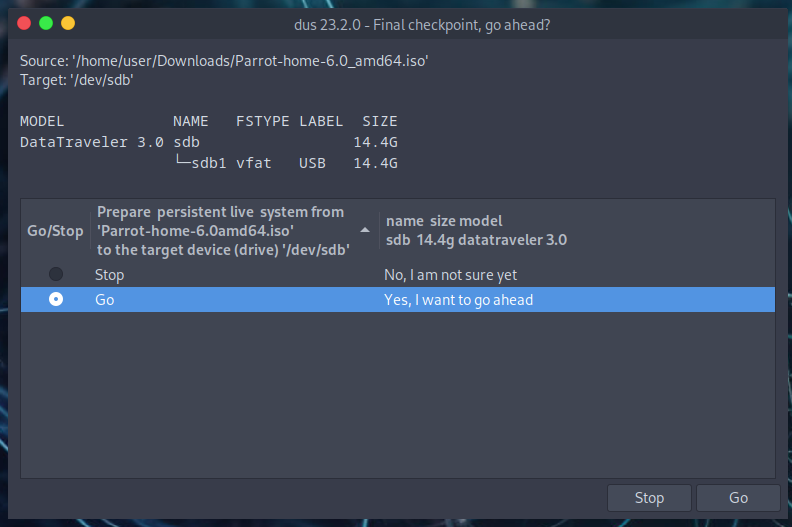
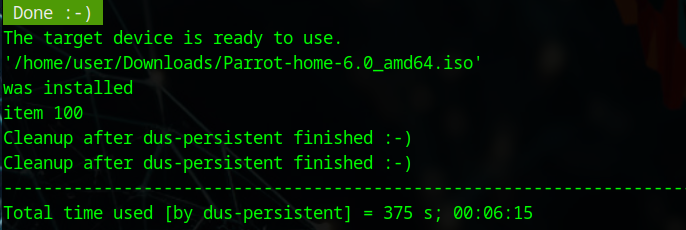
From here, click Go to confirm the operation. The persistent partition will be ready in a few minutes.



Parrot Linux (or Parrot OS) focuses heavily on security**, being a Debian-based GNU/Linux distribution designed for pentesting, forensics, cryptography, development and anonymous browsing, offering pre-installed tools for anonymity (such as Tor, AnonSurf) and data protection (disk encryption, Fire Jail), in addition to being lightweight to run on modest hardware, although it is always recommended to use it in controlled environments.
ReplyDeleteThe Security edition includes an arsenal of over 600 pre-installed tools for penetration testing, reverse engineering, and vulnerability analysis.
DeleteIt integrates services like AnonSurf, which redirects all system traffic through the Tor network, hiding the user's IP address.
It also offers specific tools for digital forensics and data recovery.