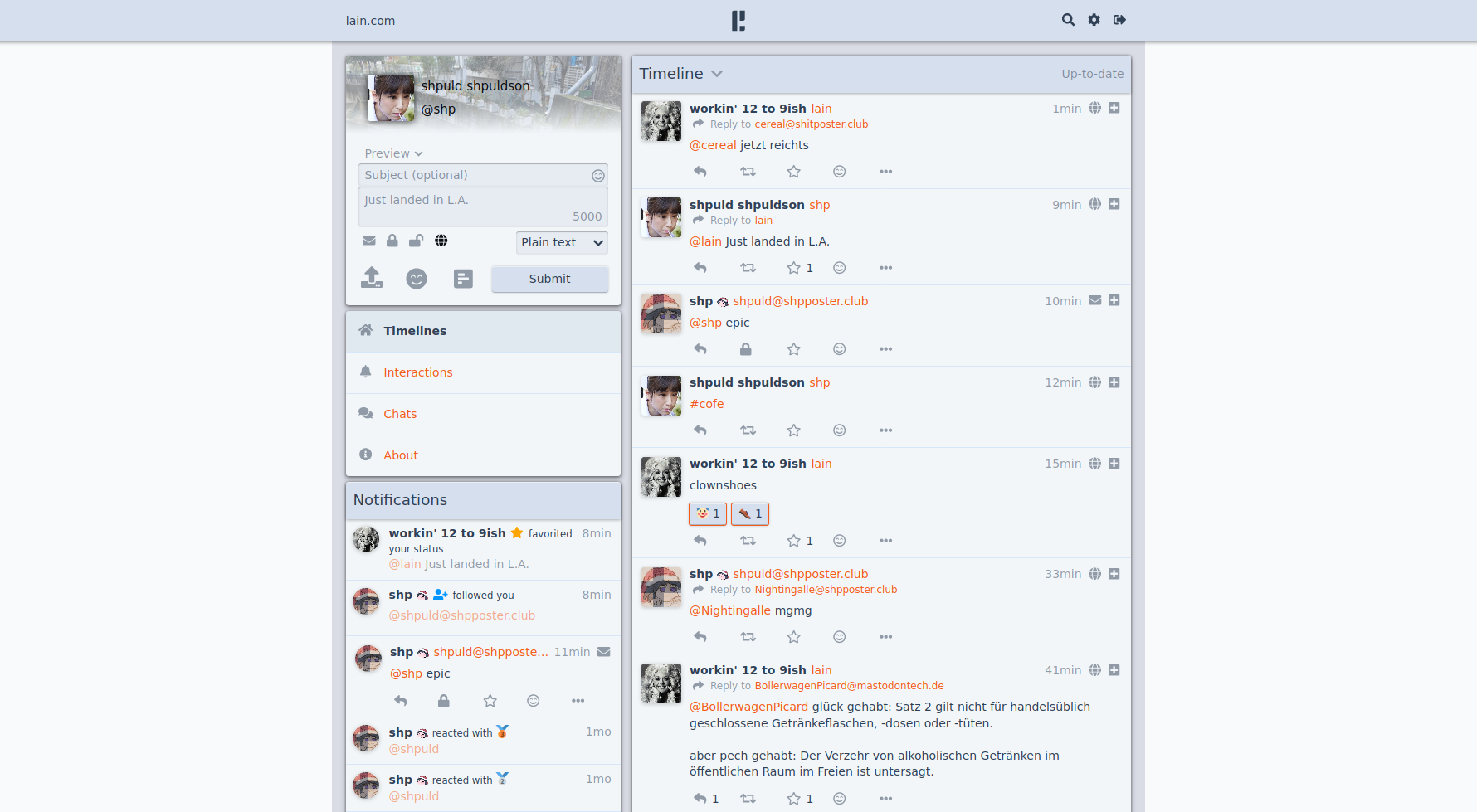
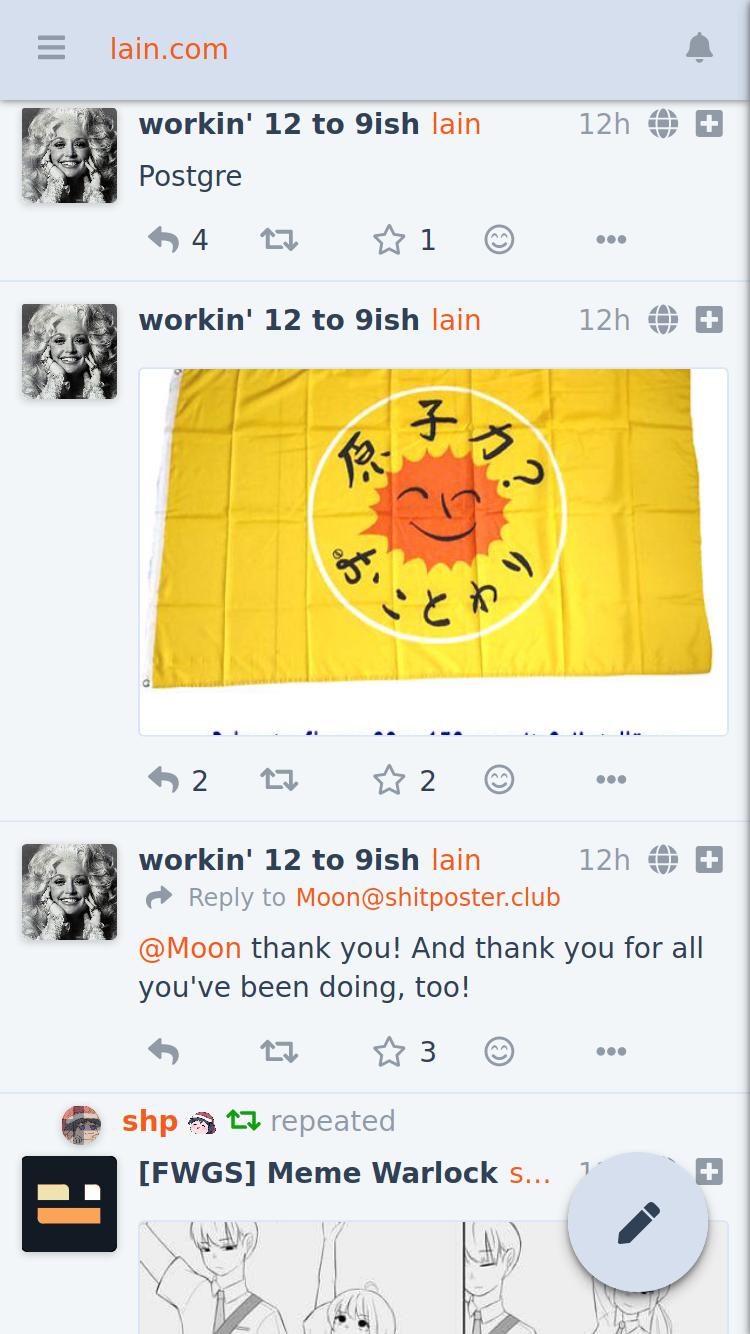
Pleromais a free, open-source, federated social-networking server. It is part of the fediverse, meaning independently operated servers (“instances”) communicate with one another using ActivityPub. Pleroma is compatible with Mastodon and other ActivityPub software. PPleroma
Think of it roughly like this:
-
Pleroma server → the software you install on a Linux server.
-
Pleroma-FE → the web interface users can use in their browser.
-
ActivityPub → the protocol that lets your server communicate with Mastodon, Pleroma, and other federated servers.
-
Instance → one independently operated Pleroma server, such as
social.example.org. -
Account → an account belonging to a particular instance, but capable of interacting with users across the fediverse.
You don't necessarily need to run a server yourself. You can join an existing Pleroma instance and use it through a web browser. PPleroma
Using Pleroma as a user
If someone gives you an account on a Pleroma instance, you generally don't install anything on your Linux desktop.
You:
-
Open the instance's website.
-
Log in or register.
-
Follow users.
-
Post statuses, replies, images, etc.
-
Search for people on other federated servers.
-
Interact with users on Mastodon and other ActivityPub-compatible platforms.
The important distinction is that your account belongs to an instance, rather than to one central Pleroma service.
Running your own Pleroma server on Linux
If by "use it on Linux" you mean host your own instance, you'll need a Linux server, a domain/subdomain, and normally PostgreSQL plus a web server/reverse proxy.
The current Pleroma documentation recommends distro-provided packages where available, with Pleroma's own OTP releases as a fallback. The OTP release bundles the Erlang/Elixir runtime and is considerably simpler than building everything from source. PPleroma+1
For example, on a Debian/Ubuntu-style server, the general architecture looks like:
Internet
   │
   ▼
Nginx / HTTPS
   │
   ▼
Pleroma
   │
   ├── PostgreSQL
   │
   └── Media/files
Typical installation process
For a Debian-based system, the official source-installation documentation currently lists dependencies including PostgreSQL, Elixir, Erlang, Git, libmagic, a compiler/build tools, and CMake. PPleroma
A source installation broadly goes:
# Install system dependencies
sudo apt update
sudo apt install git build-essential postgresql postgresql-contrib \
    cmake libmagic-dev

# Install Erlang/Elixir
sudo apt install elixir erlang-dev erlang-nox
Then create a dedicated system account and obtain Pleroma:
sudo useradd -r -s /bin/false -m -d /var/lib/pleroma -U pleroma

sudo mkdir -p /opt/pleroma
sudo chown -R pleroma:pleroma /opt/pleroma

sudo -Hu pleroma git clone -b stable \
    https://git.pleroma.social/pleroma/pleroma /opt/pleroma

cd /opt/pleroma
sudo -Hu pleroma mix deps.get
The official installer then generates the instance configuration:
sudo -Hu pleroma MIX_ENV=prod mix pleroma.instance gen
This asks questions such as your instance name and domain and generates configuration and database setup files. PPleroma
For a production installation, you would then configure:
-
PostgreSQL
-
HTTPS/TLS
-
Nginx or another reverse proxy
-
Pleroma's systemd service
-
media processing such as FFmpeg/ImageMagick if desired
-
backups
-
federation/networking settings
The official documentation provides an example systemd service and instructions for enabling it with systemctl. PPleroma+1
Finally, you can create the initial administrator account with:
sudo -Hu pleroma MIX_ENV=prod \
    mix pleroma.user new USERNAME EMAIL@example.com --admin
The current documentation also provides an OTP-release installation, which is worth considering instead of compiling from source. PPleroma
If you're just experimenting
You don't need a public domain, HTTPS, or federation just to learn how Pleroma works. You can run an instance locally or on a private VM and experiment with the web interface and administration.
If your goal is a real public instance, though, I'd use the official deployment procedure rather than improvising a production setup.
Official Pleroma documentation
Linux OTP installation guide
If you tell me your Linux distribution (Ubuntu/Debian, Arch, Fedora, Alpine, etc.) and whether you want to use Pleroma as a client or host your own instance, I can give you the exact commands for your setup.



0 commenti:
Post a Comment